 PZ Manual
The nine-day table below is a community reference labelled 42.11.0, not a tested 42.21 schedule. For that reference, check Life and Living at 06:00 for Cooking, usually 12:00 for Carpentry, and 18:00 for the day-specific episode. Power on the television, select the channel and press Tune In, then compare the displayed date/time and programme before deciding you missed it.
Source review is not a game test or a guarantee for every patch, operating system or mod list. Record your exact game/server patch and relevant mods, then compare the author or official instructions linked below.
What the 42.21 release does and does not confirm
The Indie Stone’s 28 September 2026 post identifies Build 42.21 as Stable. The release post and linked full notes do not publish a revised Life and Living broadcast schedule. The table below therefore remains a community reference labelled 42.11.0; the absence of a replacement table does not prove the broadcasts stayed unchanged in 42.21.
For a 42.21 save, compare the actual broadcast title and displayed time, then record the relevant skill before and after the programme. This site has not reproduced the schedule in game, so use the table as a comparison aid rather than a guarantee.
Source: The Indie Stone · 42.21 Stable Released · Official stable release
Source: The Indie Stone · 42.21 patch notes · Official patch notes
Read the nine-day schedule
42.11.0 community schedule reference: compare the programme displayed in your patch. “No listed slot” means this reference has no entry at that time.
The reference’s default calendar example labels July 9 as Day 1, July 10 as Day 2 and July 17 as Day 9. Some guides start this same reference sequence at “day 0” instead. These labels do not establish the broadcast sequence for every custom start: compare the actual programme, displayed time and world settings. The starred first morning depends on start-time/version behavior; see the exception below.
| Reference day | 06:00 | 12:00 | 18:00 |
|---|---|---|---|
| Day 1 | Cooking* | Carpentry | Fishing |
| Day 2 | Cooking | Carpentry | Agriculture |
| Day 3 | Cooking | Carpentry | Fishing |
| Day 4 | Cooking | Carpentry | No listed slot |
| Day 5 | Cooking | Carpentry | Foraging |
| Day 6 | Cooking | Carpentry | Trapping |
| Day 7 | Cooking | Carpentry | Foraging |
| Day 8 | Cooking | No listed slot | Carpentry |
| Day 9 | Cooking | No listed slot | No listed slot |
Source: PZwiki · Life and Living TV schedule · Community reference · 42.11.0-labelled snapshot
Handle the first-day midnight and morning exceptions
The same reference lists an additional Fishing entry at 00:00 on Day 1. Treat that and the starred Day 1 06:00 entry separately from the normal repeating slots. Your world can begin after their nominal start times.
For a default 09:00 start, sources disagree about whether the early Cooking programme remains available. The Wiki footnote describes a window after 09:00; another B42 reference reaches a different conclusion. Check the actual programme text and skill change in your version instead of assuming an automatic replay or declaring the broadcast impossible to catch.
Creating a later character is not evidence that this reference sequence restarted. For a custom-start or unfamiliar world, check the actual programme text and available date/time/settings instead of assuming the default table automatically shifted. If the sequence cannot be aligned, record that uncertainty before planning a trip around a slot.
Source: PZwiki · Life and Living TV schedule · Community reference · 42.11.0-labelled snapshot
Source: PZfans · B42 TV schedule reference · Secondary community reference · stated 42.19 scope
Tune the television and verify a real programme
- Open the placed television’s device window. Inspect its power connection indicator and switch the television on; selecting a channel cannot repair missing power.
- Select Life and Living in the channel list, then press Tune In. The device reference says the selection does not take effect until that button is used. Confirm the active channel shown afterward.
- Stay in the same room for the comparison and read the in-game clock. Choose the skill named for this slot and record its current level/progress before the programme.
- Watch the displayed broadcast text. Advertising is not evidence that a skill episode is currently playing. Compare the relevant skill after the programme segment rather than only watching the screen animation.
- If no skill change appears, keep the programme text and before/after values and use the symptom table below. Repeat one relevant check; do not change power, channel and several skill settings at once.
Source: PZwiki · Television controls · Community device reference
If the television is on but XP does not change
The old Wiki describes a level-3 learning cap for TV XP. That is a version-labelled explanation to investigate, not a rule certified for every current patch. This guide does not sum XP across episodes or promise a particular final skill level.
| What you observe | Next check |
|---|---|
| No power or no visible broadcast | Inspect the power indicator, on/off state and the actual device. Resolve its supply before analysing a programme. |
| Another channel remains active | Choose Life and Living and use Tune In; confirm the active channel rather than the drop-down selection alone. |
| Only an advert appears | Compare world day/time with the schedule and note whether the expected skill programme begins. |
| You arrived after the listed slot | Record the actual text/time; the first-day exception is version-dependent and not a universal replay rule. |
| Programme plays, but the wrong skill is being inspected | Use the day-specific entry: evening skills change, and Day 8 evening is Carpentry. |
| Relevant skill already high or an episode was already viewed | Check the installed version’s learning limits and prior viewing before treating the unchanged bar as a tuning failure. |
| Only this save or modded setup differs | Record the patch, world start/time and TV/skill mods. Compare a separate test before changing the established world. |
Source: PZwiki · Life and Living TV schedule · Community reference · 42.11.0-labelled snapshot
Source: PZwiki · Television controls · Community device reference
Plan the next useful slot
For a Carpentry goal, the reference points to noon on Days 1–7 and the evening of Day 8. On Day 8, waiting for noon because it was useful yesterday is the wrong comparison. For a Cooking goal, use the morning column and separately check the Day 1 exception.
Write the next relevant world day and time before leaving the television. If the live sequence has ended, treat VHS as a separate media route and check the set/tape requirements through the link below; it is not a guarantee that all missed XP can be recreated.
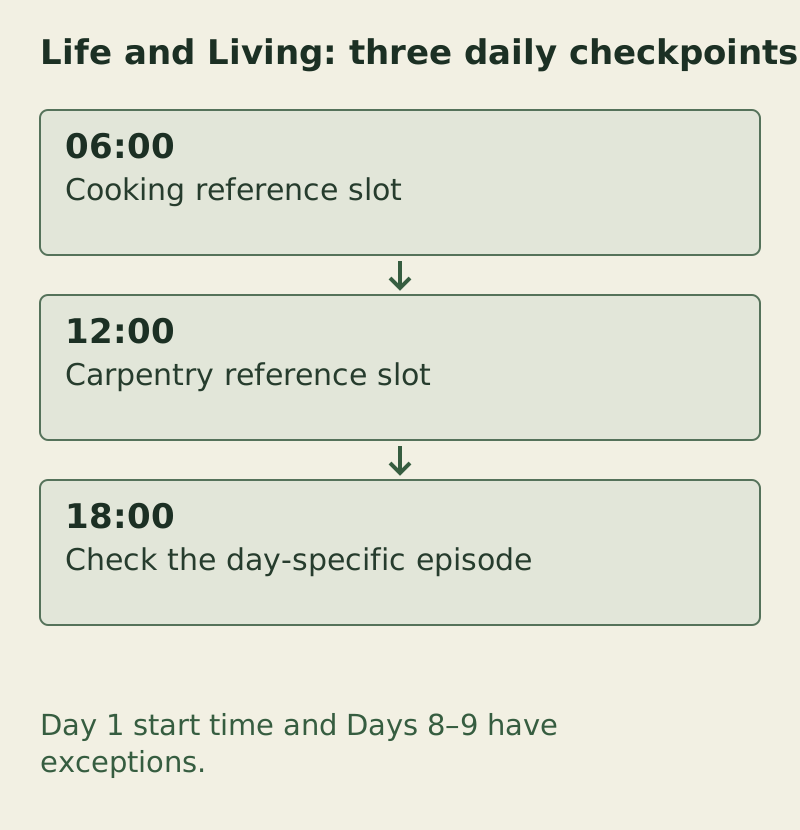
Day 1 start time and Days 8–9 have exceptions. The complete checks and exceptions are provided in the text/table on this page.
PZ Manual · original task diagram · Conceptual diagram, not a game screenshot · PZ Manual editorial method
Open the larger diagramSource: PZwiki · Life and Living TV schedule · Community reference · 42.11.0-labelled snapshot
Source: PZwiki · VHS media reference · Community reference · separate media system
Copy a compact viewing observation
Life and Living observation
Game patch / TV or skill mods:
Displayed date / current time / known start settings:
Reference entry being compared / actual world context:
TV power indicator / active channel after Tune In:
Programme text / skill being compared:
Skill level and progress before / after:
Previously viewed episode / next relevant slot:
Record the actual programme and world context. A reference day number does not establish a custom-start broadcast schedule.
Source: PZwiki · Television controls · Community device reference
Choose the next branch
Sources & verification
Schedule and device controls are attributed references. Viewing and comparison steps are editorial advice. Day numbers belong to the cited reference sequence. Its default July 9 example is not a rule for every custom-start save; align the actual programme with the available world context.
- The Indie Stone · 42.21 Stable ReleasedReviewed 27 October 2026. The release post dated 28 September identifies 42.21 as Stable. It does not publish a replacement Life and Living broadcast table; that omission does not prove the schedule remained unchanged.
- The Indie Stone · 42.21 patch notesReviewed 27 October 2026. The full notes cover 42.21 changes but do not provide a Life and Living schedule; this page has not reproduced that schedule in game.
- PZwiki · Life and Living TV scheduleRead 13 October 2026. Retrieved snapshot labels 42.11.0, revision 1309157, edited 5 January 2026. Nine-day table, start-date footnotes and historical XP cap; not a 42.21 game test. First-day 06:00 availability after a 09:00 start conflicts with other versioned references.
- PZfans · B42 TV schedule referenceRead in the 13 October competitor/source review. Used only to expose the conflicting first-day 06:00 availability conclusion, not to import XP totals or current-patch guarantees.
- PZwiki · Television controlsRead 13 October 2026. Describes power indicator, on/off control, channel selection and Tune In, same-room viewing and VHS-capable sets. Controls are source references, not a test of your installed patch.
- PZwiki · VHS media referenceLinked for VHS identity and requirements; no promise that every missed live broadcast or its XP can be recovered.